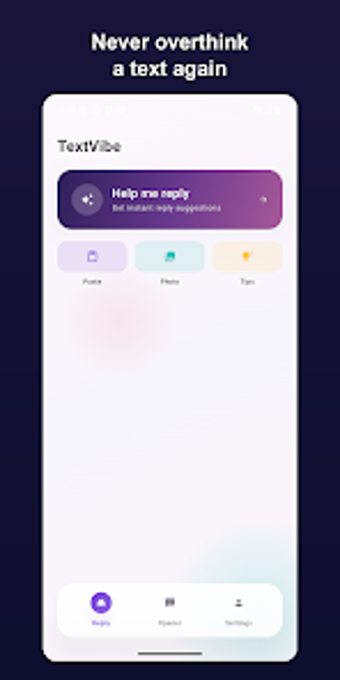
AI assistant that drafts dating messages and generates profile openers
Generates context-aware reply suggestions from conversation or profile screenshots, offering tone presets and quick texting tips to keep chats moving. TextVibe was built by Laxman Shah as a mobile lifestyle tool aimed at dating and social messaging, and it combines screenshot reading, eight selectable tones, and short coaching notes on timing and length. It fits younger users who want ready-made icebreakers and message drafts without writing from scratch, especially on busy days or when a chat stalls.
Helps you turn a stalled chat into fresh options
TextVibe produces multiple reply alternatives after you upload a conversation screenshot or profile bio, so you get distinct openers rather than a single suggestion. The app offers eight tone presets, such as Flirty, Witty, and Sincere, and supplies short coaching notes on timing and message length. For everyday use this means you can pick a tone, paste or upload context, and choose from several ready phrases to send or edit.
Connects to your workflow through simple screenshot uploads
The app reads screenshots for context-aware replies, which fits the way many people copy messages from dating apps into tools. Its Android client is compact at roughly 2.5 MB, so installation and storage impact are small on a typical phone. Supported languages and Gen-Z slang options let you match regional phrasing, and the screenshot route avoids manual retyping when you want a quick reply suggestion.
Privacy handling and daily reliability for messaging tasks
TextVibe states that processed screenshots are deleted immediately, and it does not message on your behalf; the workflow is: you upload, the AI returns options, and you paste or send them yourself. Continued unlimited access sits behind an account-gated tier rather than the open tier, which affects how often you can run the assistant in a single day. Accessibility details such as screen reader modes are not documented in the source material.
To sum up, a practical drafting aid for casual daters
TextVibe suits people who want quick, editable message drafts and a light coaching nudge when conversations falter; it shines when used as a starting point rather than an automatic sender. If you prefer crafting every line yourself, expect to edit suggestions to match your voice. Pro tip: treat each suggestion as a draft, tweak phrasing before sending to keep responses authentic.